Last step: Pick your weapons of choice
I’m enabling your lifetime course access as we speak. While you’re waiting for the confirmation email, there’s just one more thing…
Once you complete the course, you’ll be ready to take on digital illustration completely on your own!
The wonderful thing about art (especially digital art) is that the possibilities of what you can draw are almost endless …
However, should you decide you want to draw in a different style, you might encounter a setback.
You’ll need the right tools.
Now, Procreate has its own “arsenal” of brushes to choose from. But to be honest … they’re not the best brushes in the world.
Actually, a lot of them are kind of bad and may ruin a perfectly fine painting. Which would be a shame after putting so much learning and work into it!
I’ve struggled with this for years before I’ve started using custom-made brushes.
And the difference is H U G E.
I’ve been putting it off for so long because creating a custom brush takes sooo much time and effort. Even if it pays off immensely, I could never bring myself to start creating my own.
You have to sample real brush strokes, get your hands on a high-quality scanner, scan each individual stroke, prepare it in Procreate, find the right settings, edit it and only then you can save and use it.
It took me roughly an hour to create one single brush. You probably need a lot more than one to be able to create freely.
I’ve been searching all over the internet for suitable brushes to buy, but none were as detailed as I needed them to be. And spending money on brushes that are just slightly better than the free ones, seemed irrational.
So there was no other way – if I wanted to make realistic digital paintings, I simply had to create my own brushes.
I took time off from my client work and threw myself into brush creation. And I’m happy to say, it paid off!
Brush users can now make digital paintings that are almost identical to the real physical ones, all thanks to my custom brushes. They make a huge difference and the artworks turn out so much better! Just take a look at those paintings!
Now, I don’t want you to go on and start creating couple hundred brushes from scratch, especially since I’ve already done it and you could use mine!
However, I simply can’t give them out for free … I’ve spent too much time – and rejected a whole lot of client work – to just gift them to anyone that needs them. 😅
But since you’ve already purchased my course, I’m willing to do something that I never do because it’s kind of not the smartest thing to do in business …
For the next 5 minutes, I’m giving you a massive discount on one of my hottest brush sets as a thank you for purchasing my courses!
Choose between the gouache or oil brush set, each of which packs more than enough brushes to make your painting look almost identical to a real one made on a piece of paper with actual brushes and colors!
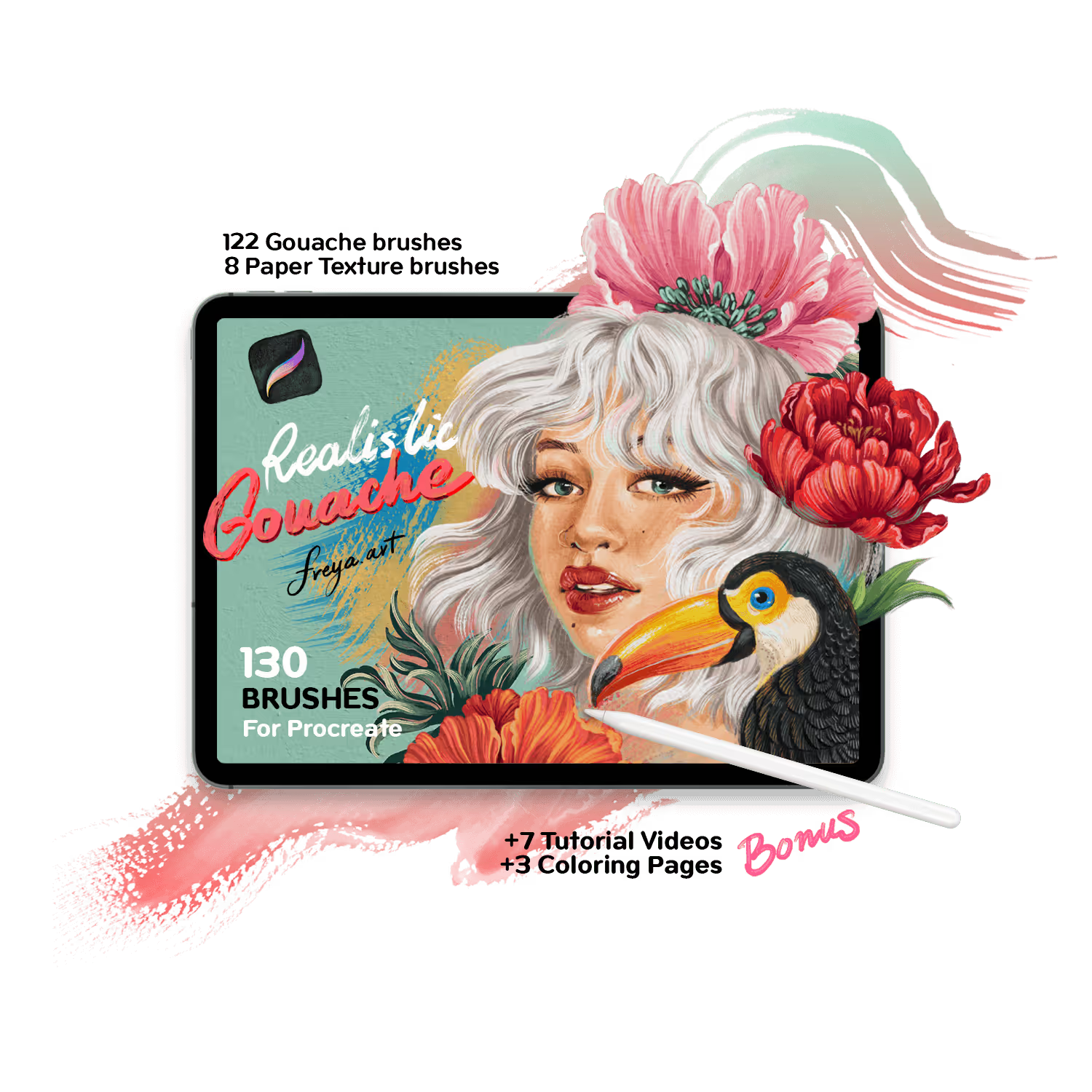
Freya’s Gouache Brush set
Hyper-Realistic Gouache set of 130 custom brushes!
Compatible with all Procreate versions.
Clicking the button above will charge your payment method on file for Freya’s Gouache Brush set.
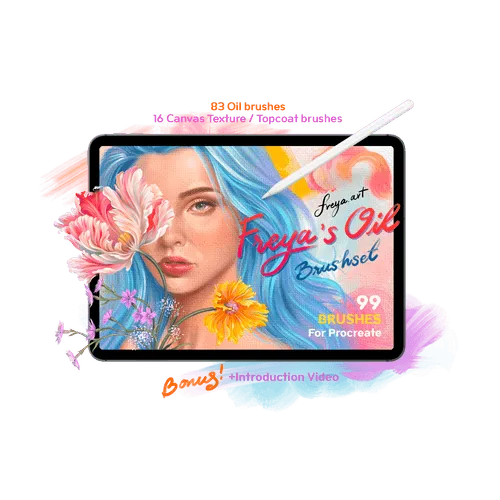
Freya’s Oil Brush set
Hyper-Realistic Oil brush set of 99 custom brushes!
Compatible with all Procreate versions.
Clicking the button above will charge your payment method on file for Freya’s Oil Brush set.